


Built for mobile-first products
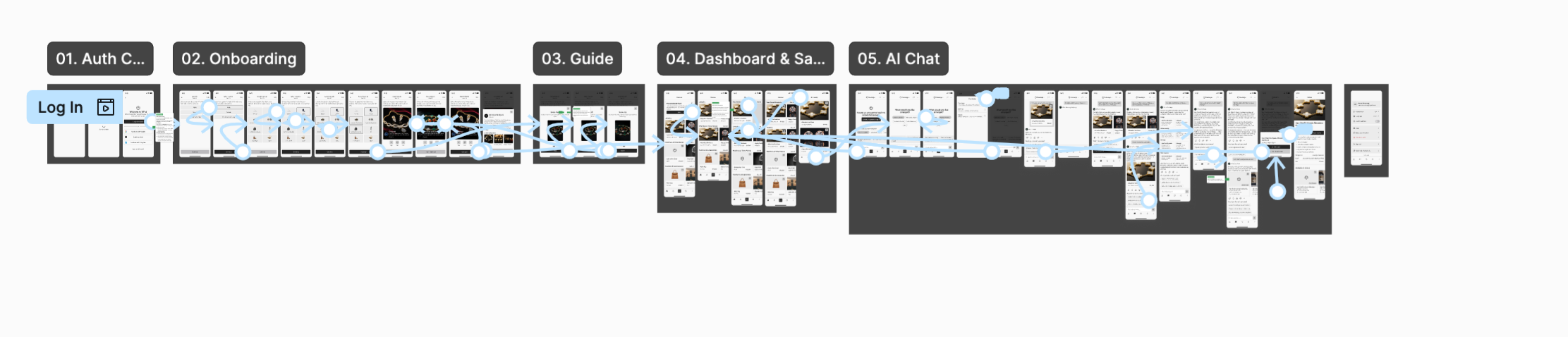
Designed around real mobile app patterns. Layouts, spacing, and components are optimized for production, not static demos.
Production-ready components, light and dark themes, tokens and templates, plus a Theme Builder that applies your brand colors in seconds.
Trusted by 100+ teams
Every component is connected to Figma variables. Customize them your way, and the whole kit follows.
Designed around real mobile app patterns. Layouts, spacing, and components are optimized for production, not static demos.
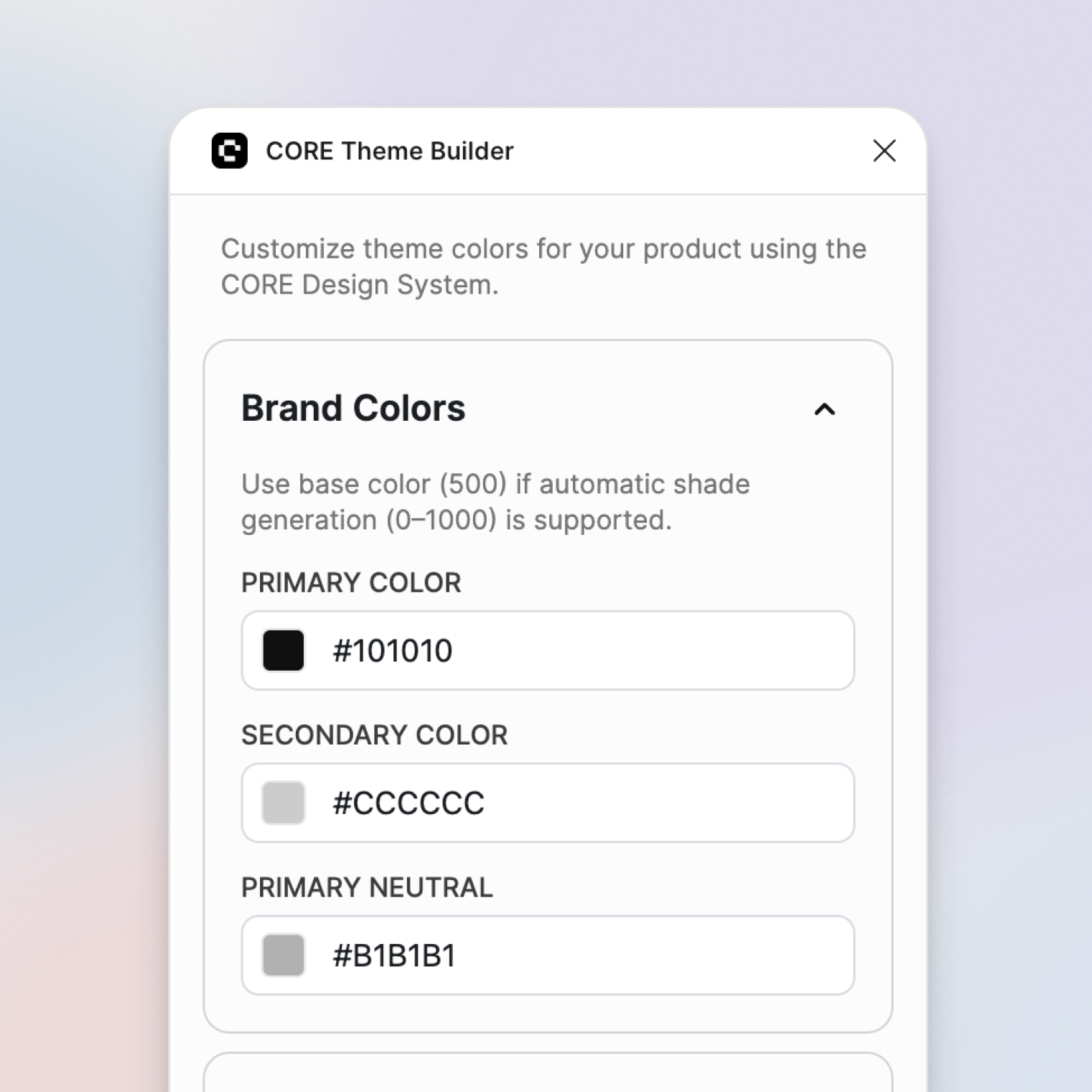
Define your primary and secondary colors once. The plugin generates shades and updates the entire system automatically.
Components are built with Figma variables and Auto Layout to stay flexible, predictable, and scalable.
Native support for light and dark modes with consistent contrast and structured color logic.
No bloated variants or unnecessary abstractions. Only what’s needed to move fast without breaking the system.
Short walkthroughs help teams understand the system quickly and apply it to real projects.
Start with a clean system, customize themes in minutes, and scale designs without losing consistency.
Get the CORE Mobile UI Kit, Theme Builder plugin, and Icons plugin in one package.
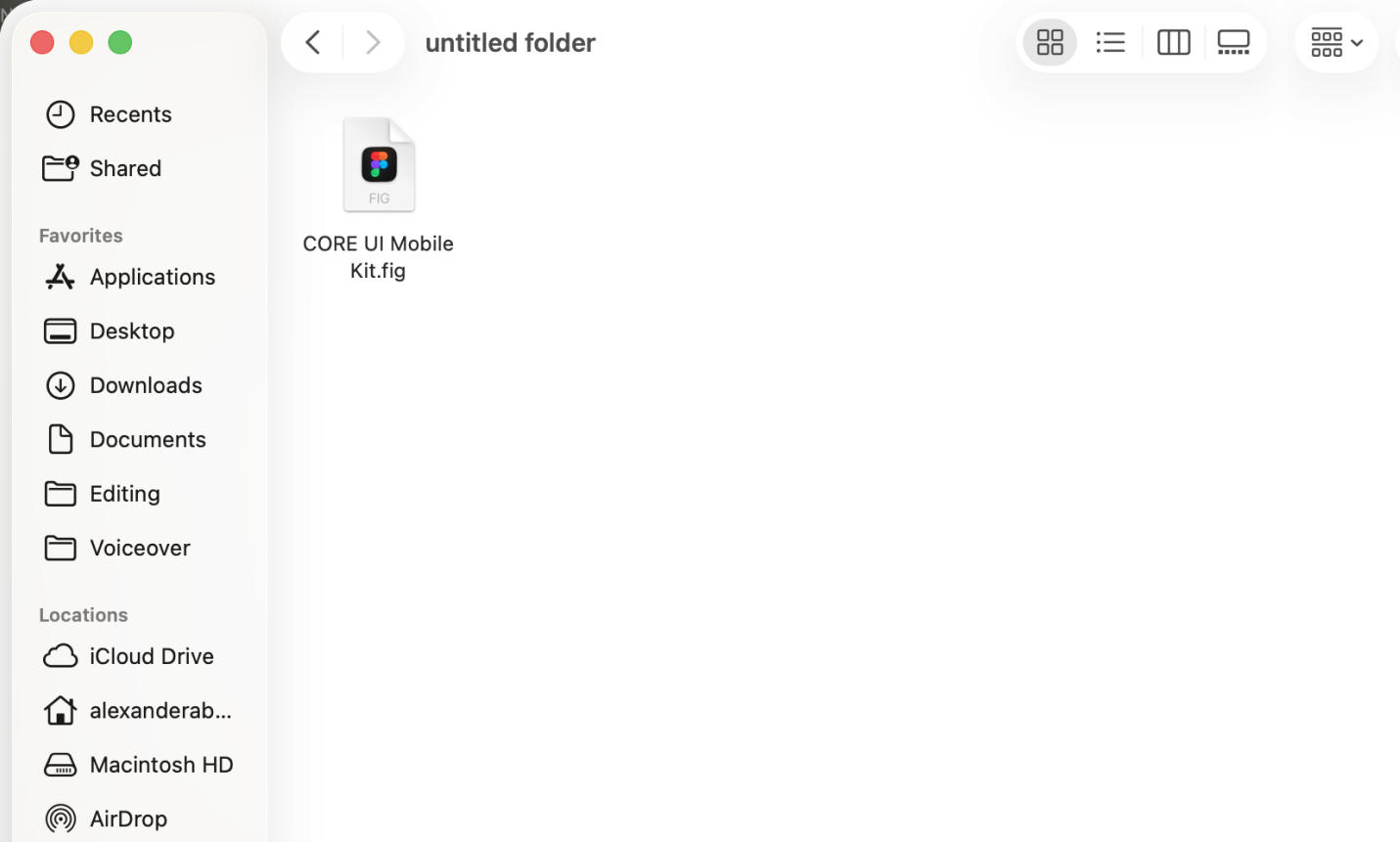
Update colors and styles using Figma variables and the CORE Theme Builder.
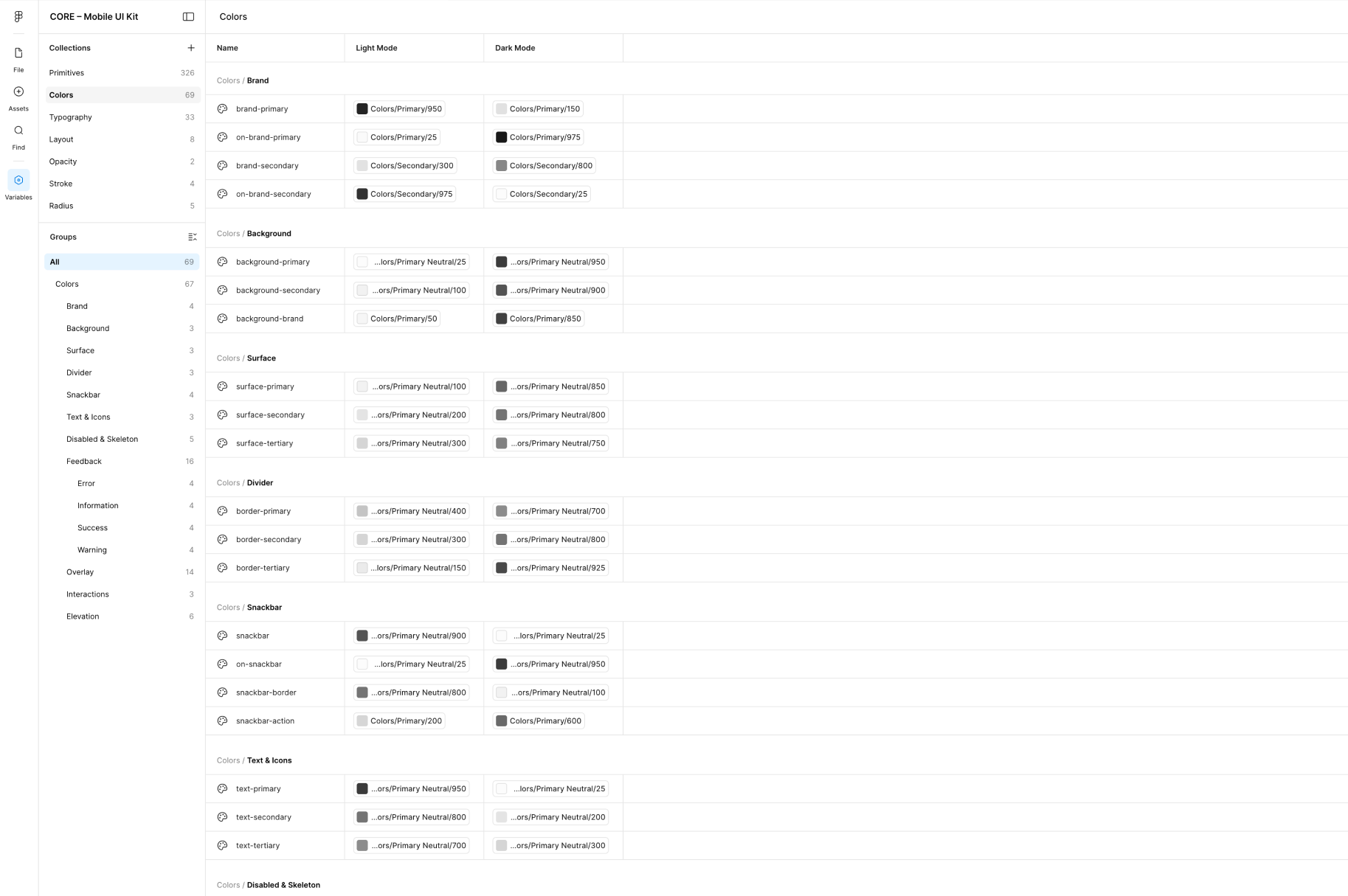
Build consistent designs with reusable components, icons, and design tokens.
A Figma plugin that lets you define colors once, generate color scales automatically, and update your entire kit in seconds.
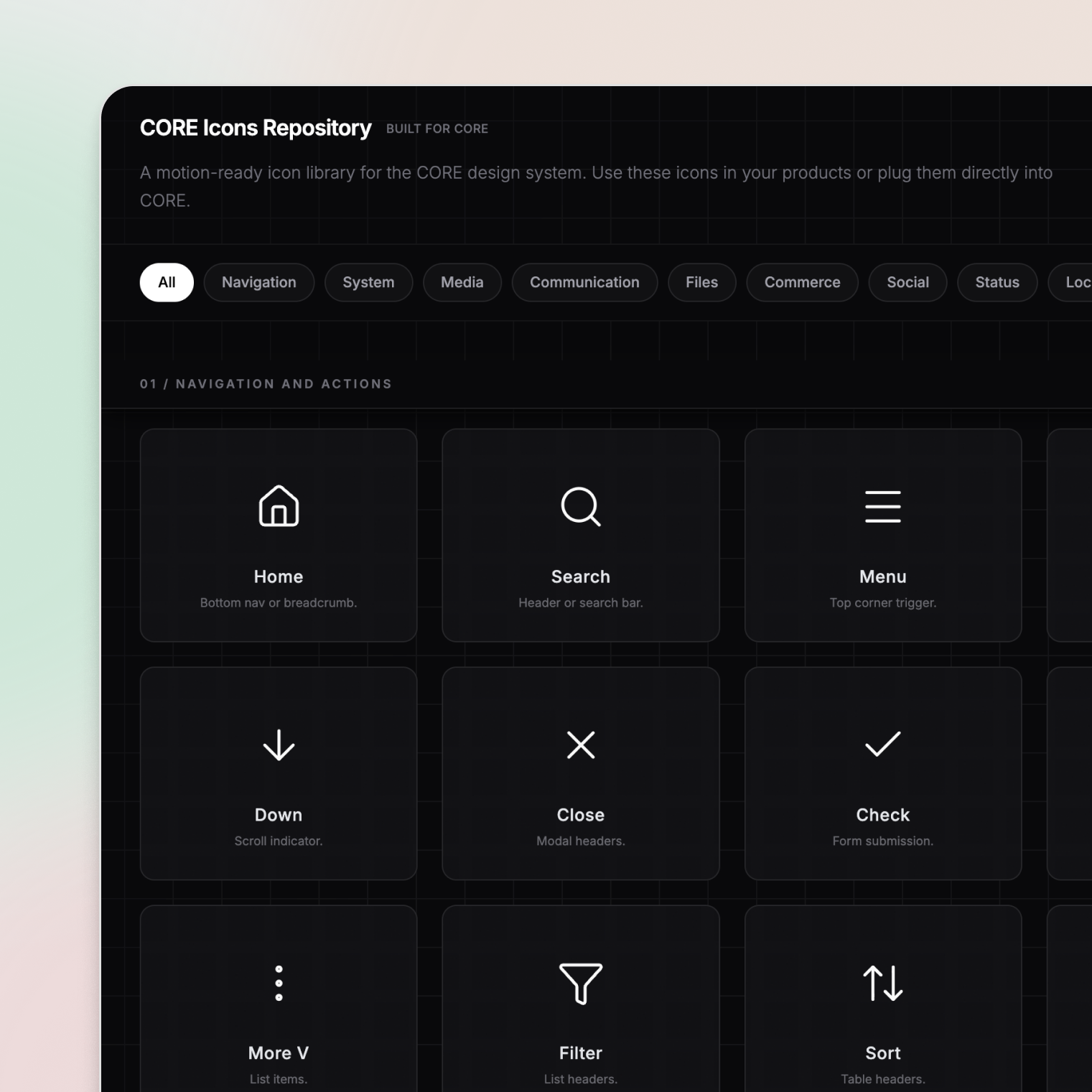
A curated icon library and Figma plugin for modern digital products, with consistent sizing, strokes, and alignment, so you can build cohesive interfaces faster.
Common questions about CORE, pricing, updates, and customization.
CORE is a premium mobile-first design system for Figma that helps designers build, customize, and scale mobile products faster. It includes a UI kit, Theme Builder plugin, Icons plugin, and a growing library of resources designed for modern product teams.
CORE is built primarily for mobile products and mobile-first workflows. While many components can be adapted for web projects, the system is optimized for designing modern mobile experiences.
CORE includes the Mobile UI Kit (components, light and dark themes, tokens and ready-made templates), the Theme Builder plugin, and the Icons plugin: everything you need to create consistent, scalable interfaces and customize them in seconds.
Yes. CORE is built around variables, themes, and flexible components, making it easy to adapt colors, styles, and branding across an entire product.
Yes. CORE is a growing ecosystem. New components, templates, improvements, and tools are added over time, and all updates are included with your purchase.
The CORE Mobile Starter Kit is a one-time purchase of $39 with lifetime updates. It bundles three products: the Mobile UI Kit, the Theme Builder plugin, and the Icons plugin.
Because CORE is a digital product, refunds are generally not available once access has been granted. If you run into a technical issue, receive incorrect files, or believe there is a valid reason for a refund, contact support@coreui.design. Every request is reviewed on a case-by-case basis.
Be the first to know when new components, templates, and releases ship.


